In Kazakhstan, shoppers are used to paying with Kaspi: a couple of taps in the app and it’s done. When a site offers a card form or “transfer to this number” instead, some people simply close the tab.
Here’s how to connect Kaspi Pay to your online store: what your business needs, who does what and what it costs.
In short: the business itself gets access to Kaspi acquiring — on application, and the bank looks at turnover. Once approved, Kaspi issues a key and certificate, and Kaspi Pay is connected to the site through an integration. On Shopify we do this for free; after that it’s 30,000 ₸ a month.
What it looks like for the shopper
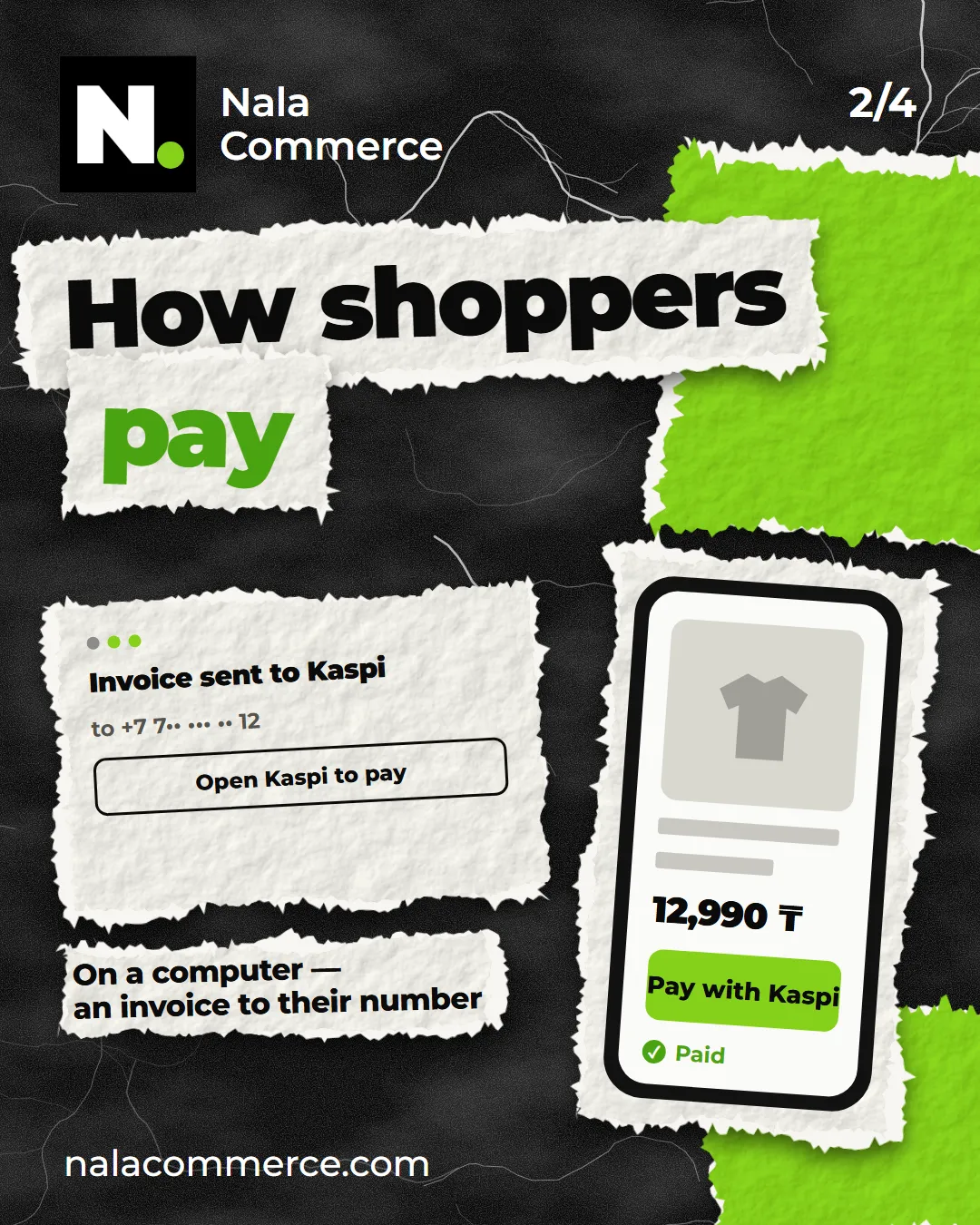
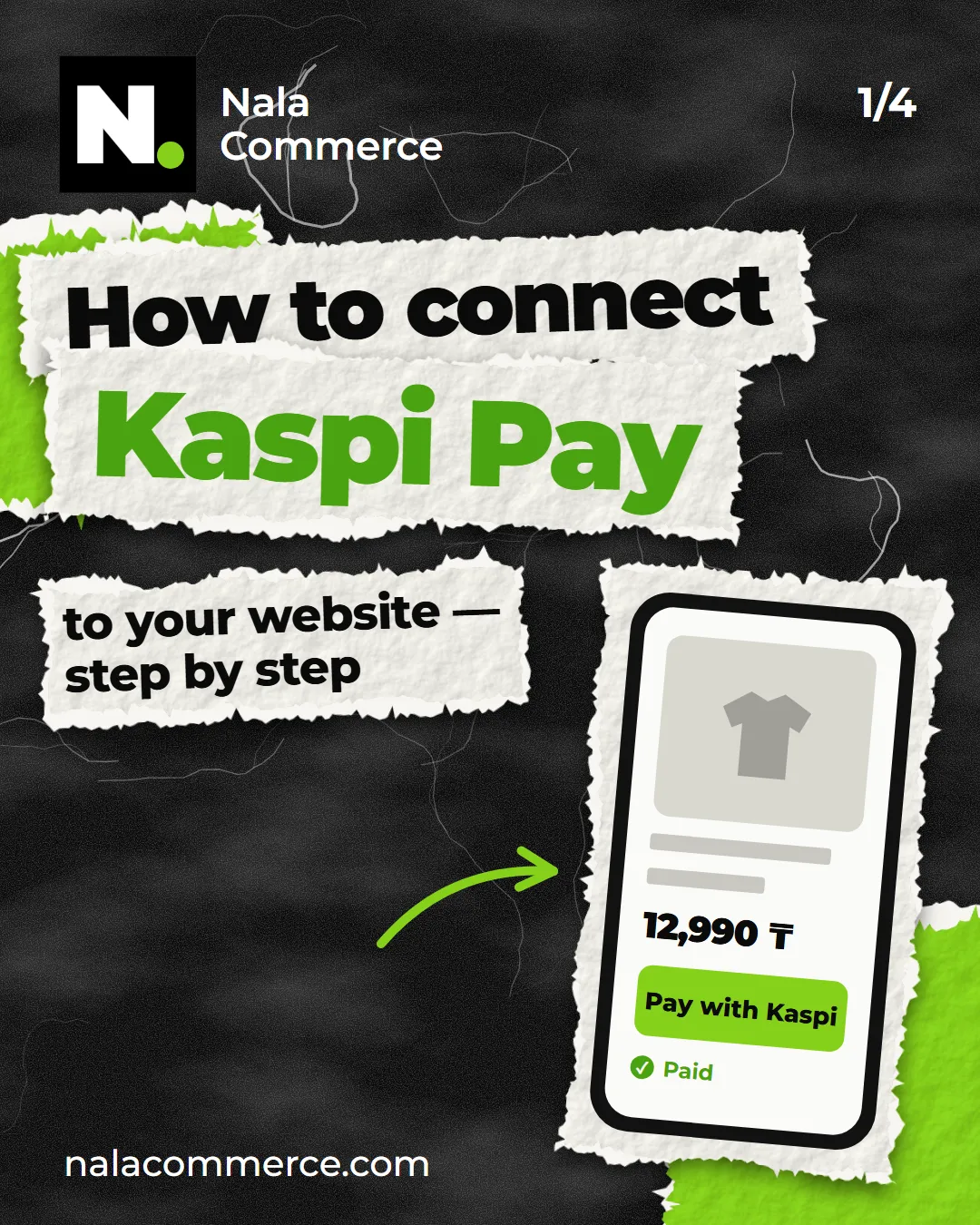
- On a phone. The shopper places an order and taps “Pay” — the Kaspi app opens, they confirm, and the order is paid right away.
- On a computer. An invoice arrives in Kaspi on the phone number from the order — the shopper pays it in the app.
- After paying. On the thank-you page the shopper sees the payment went through, and you see it in the order.
No card details on the site and no jumps to unfamiliar pages — shoppers pay where they’re used to.
Connecting in 5 steps
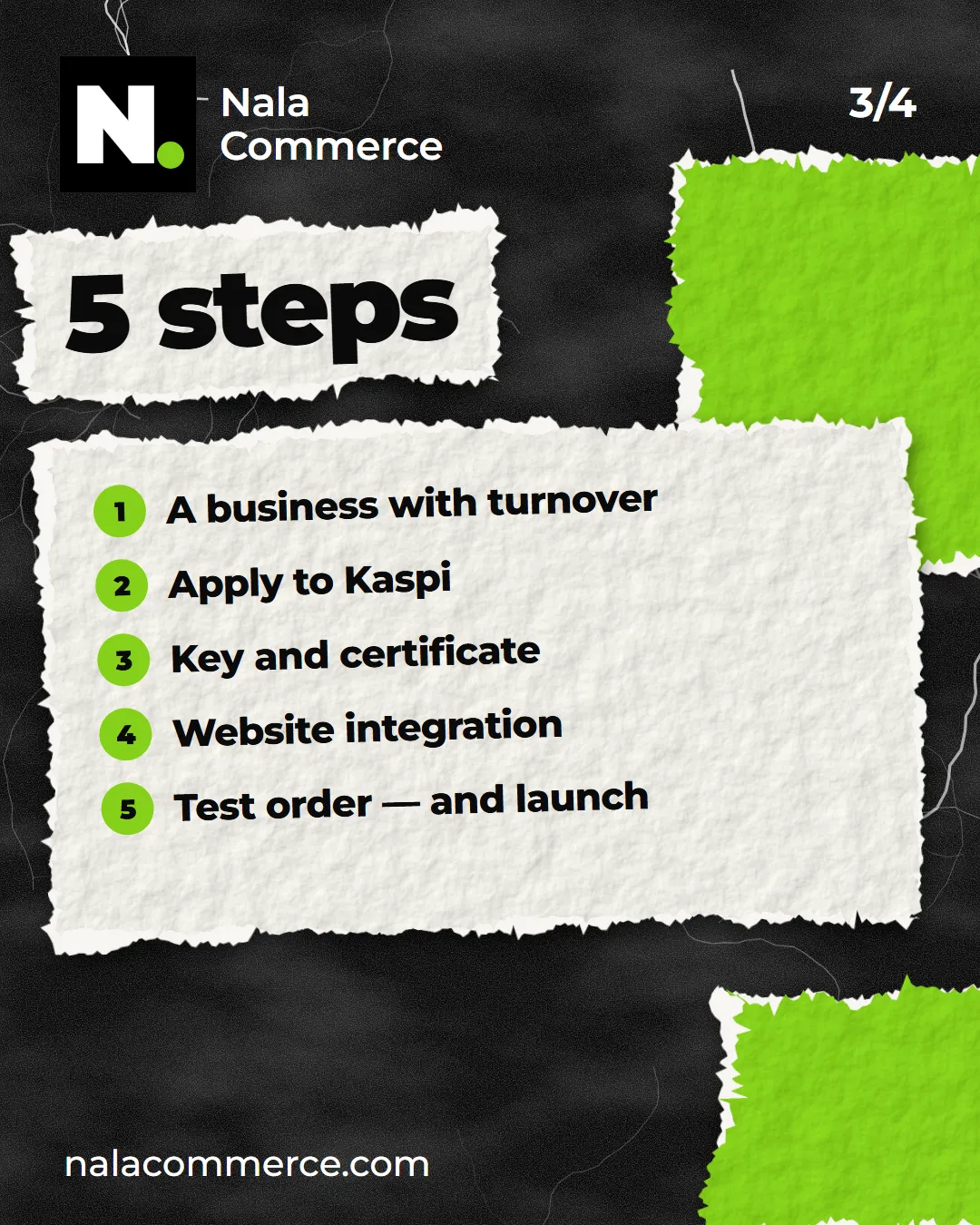
1. A business with turnover
Acquiring is connected to a registered business. Kaspi approves it based on turnover and usually turns down new businesses without any. If you don’t have turnover yet, start with transfer and cash on delivery and add Kaspi Pay later. How to set that up is in “Shopify Payments isn’t available in Kazakhstan”.
2. Apply to Kaspi
The business applies for acquiring itself, in its own name — nobody can apply on your behalf. We’ll tell you what to prepare.
3. Key and certificate
Once approved, Kaspi issues a key and certificate — your store’s access to taking payments. Treat them like a password: share them only with whoever builds the integration.
4. Integration with your site
Kaspi Pay doesn’t connect to Shopify with one button — it takes an integration between the store and Kaspi. We set it up: phone and invoice payments, statuses in orders, refunds from the admin. The integration runs on our server, and we make sure payments go through.
One important detail: in our integration Kaspi Pay is set up in Shopify as a manual payment method, so Shopify takes no fee on these orders.
5. Test order — and launch
We check everything with a real order: payment, status, refund. If it all works, shoppers can start paying.
Refunds
You can refund straight from the order in the Shopify admin:
- full refund — the money goes back to the shopper through Kaspi, and the items return to stock;
- partial refund — for individual items in the order rather than the whole order.
What it costs
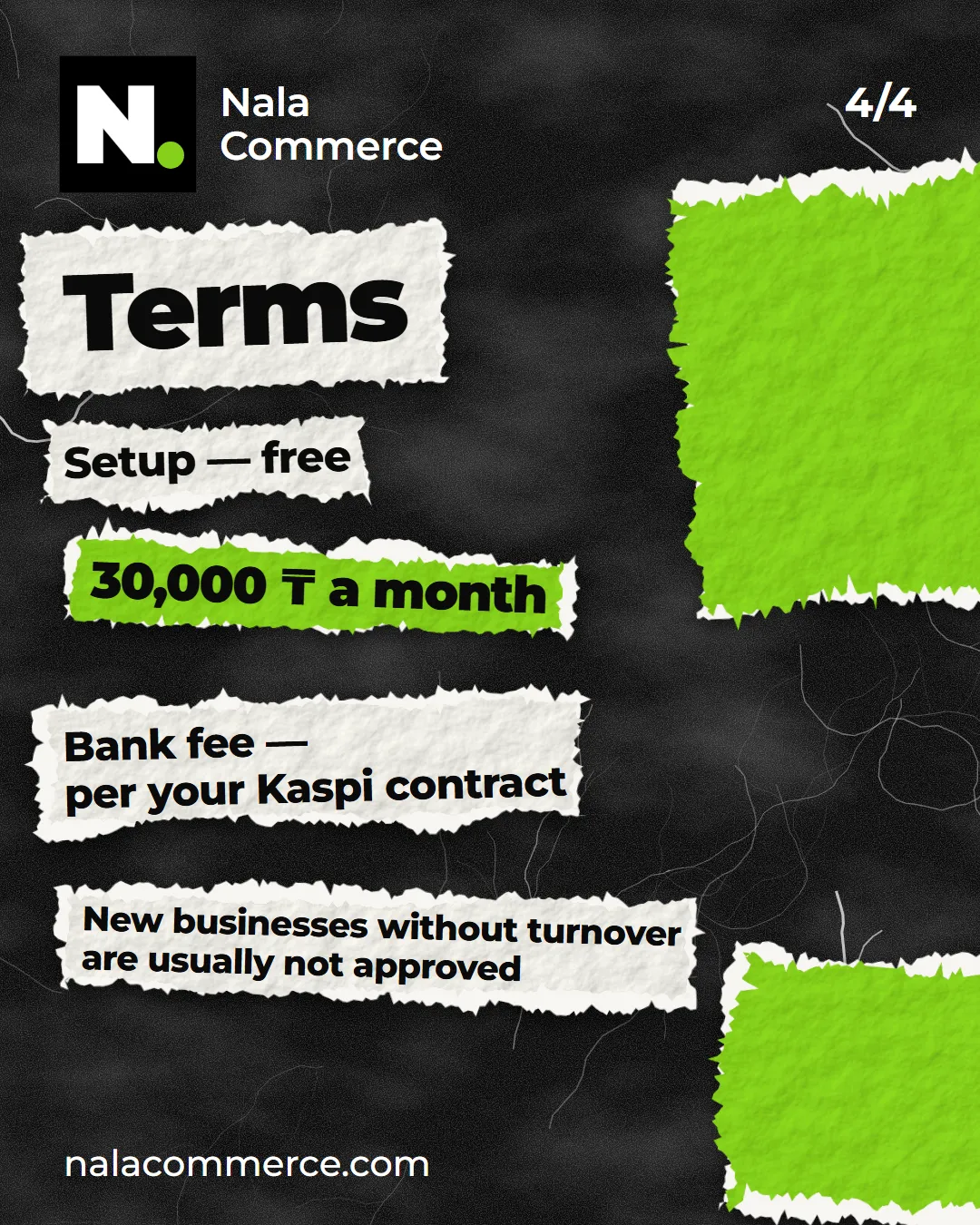
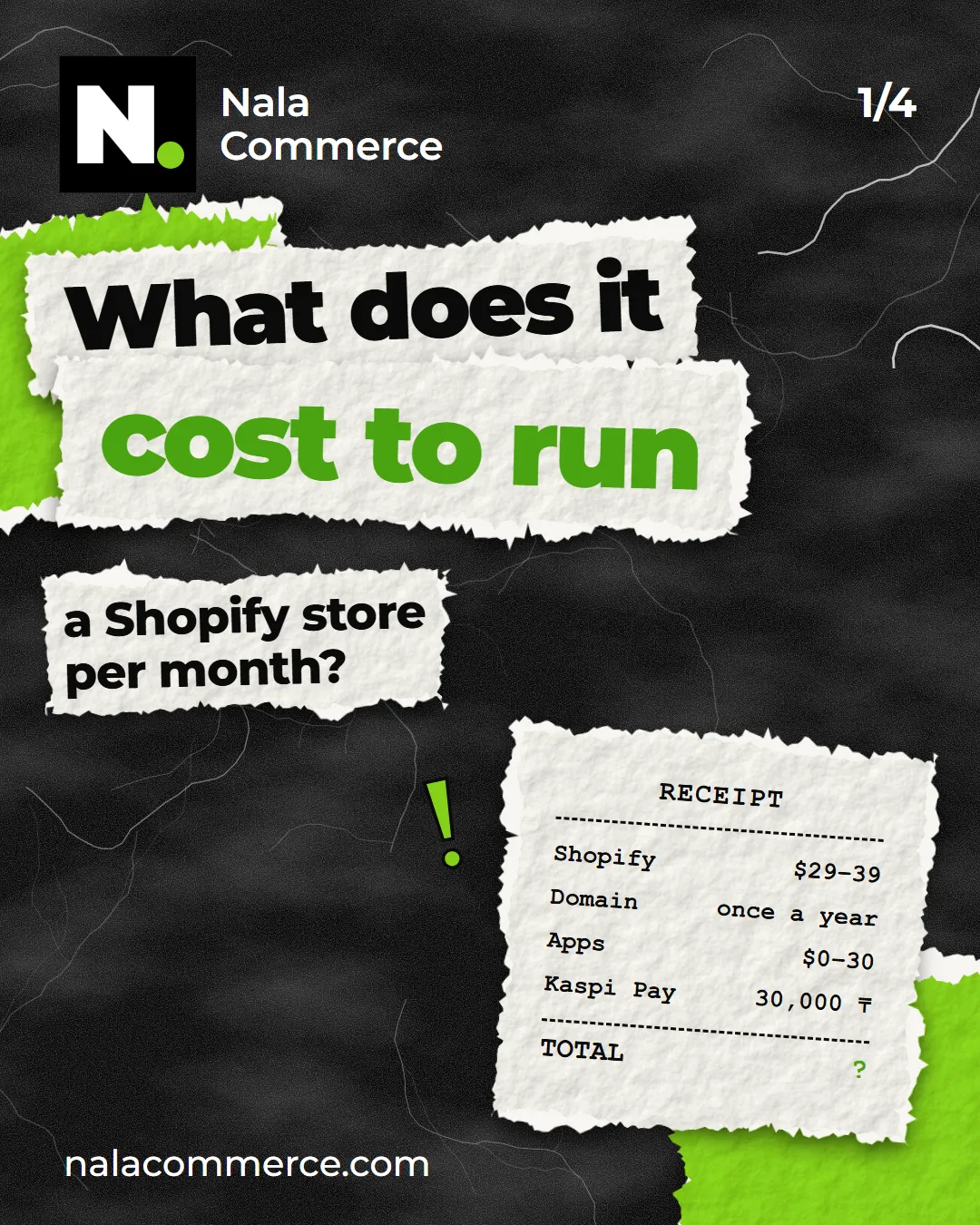
- Setup — free.
- Service — 30,000 ₸ a month. Starts only once Kaspi payments are working in your store.
- Bank fee — per your contract with Kaspi. You pay it to the bank; we add nothing to it.
- Shopify fee — 0%.
FAQ
What if Kaspi doesn’t approve the application? Then you pay us nothing: setup is free, and the monthly fee starts only at launch.
Will other payment methods stay? Yes. Kaspi Pay sits next to the others — the shopper chooses.
You didn’t build my store — can you still connect it? Yes, to any Shopify store.
Everything about Kaspi Pay is on its own page. Ready to connect, or want to check first whether it suits your business? Write to us.