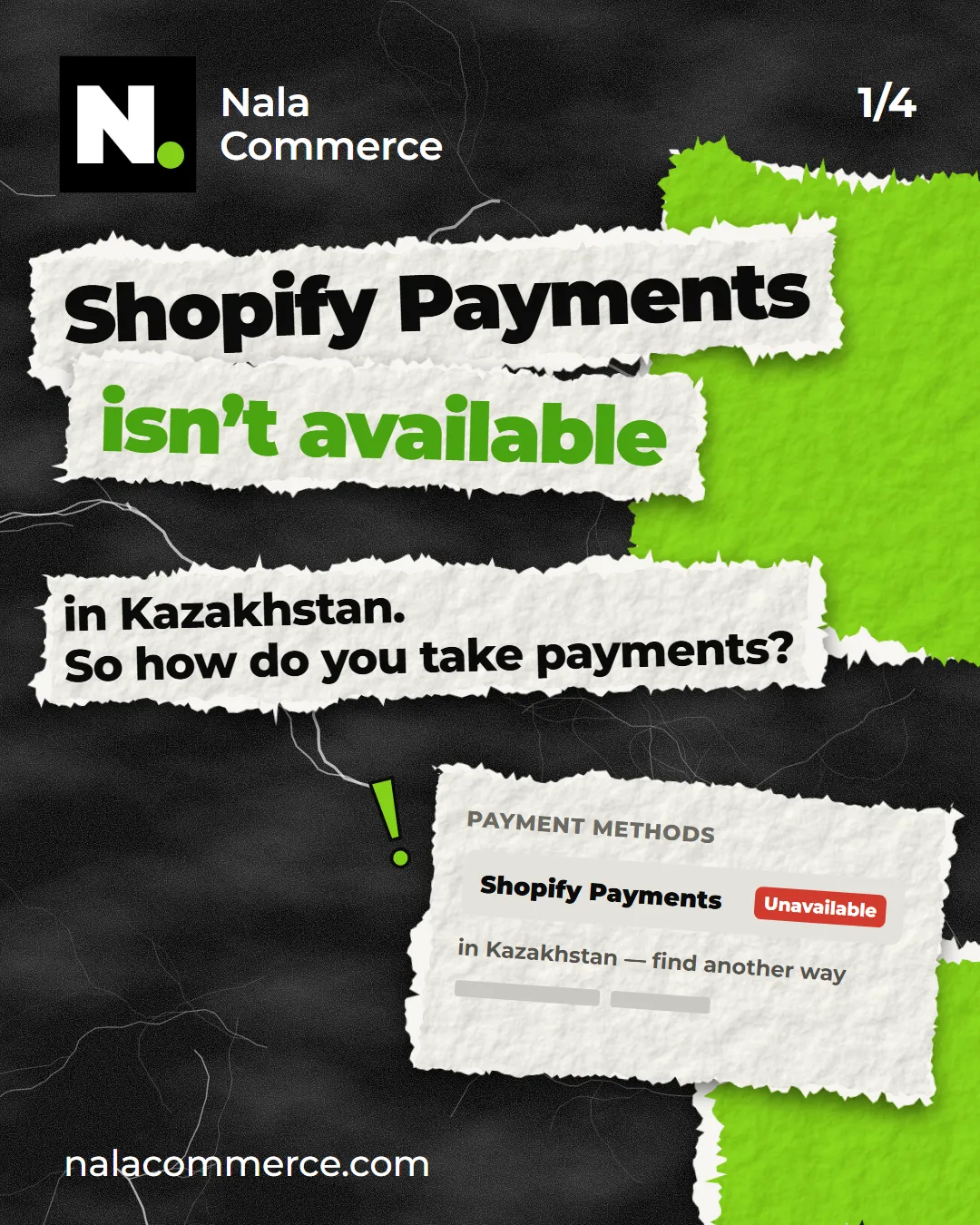
You open the payment settings in your new Shopify store — and the main option, Shopify Payments, isn’t available for Kazakhstan. The first thought: “So Shopify isn’t for us.”
It is. Payments are just set up differently here — and one of the options is actually cheaper than “standard” Shopify Payments.
In short: there’s no Shopify Payments in Kazakhstan. Three ways work: bank transfer or cash on delivery, Kaspi Pay via an integration, and third-party payment gateways. Shopify takes no fee on the first two; on third-party gateways it adds 0.6–2% on top of the bank’s fee.
Why Shopify Payments isn’t available
Shopify Payments is Shopify’s own payment system. It works in a few dozen countries — mostly in North America, Europe, parts of Asia and Australia. Kazakhstan isn’t on that list, and no setting gets around it.
The good news: the rest of Shopify doesn’t depend on it. Catalogue, orders, shipping, discounts, reviews — everything works as usual. Only the way shoppers pay changes.
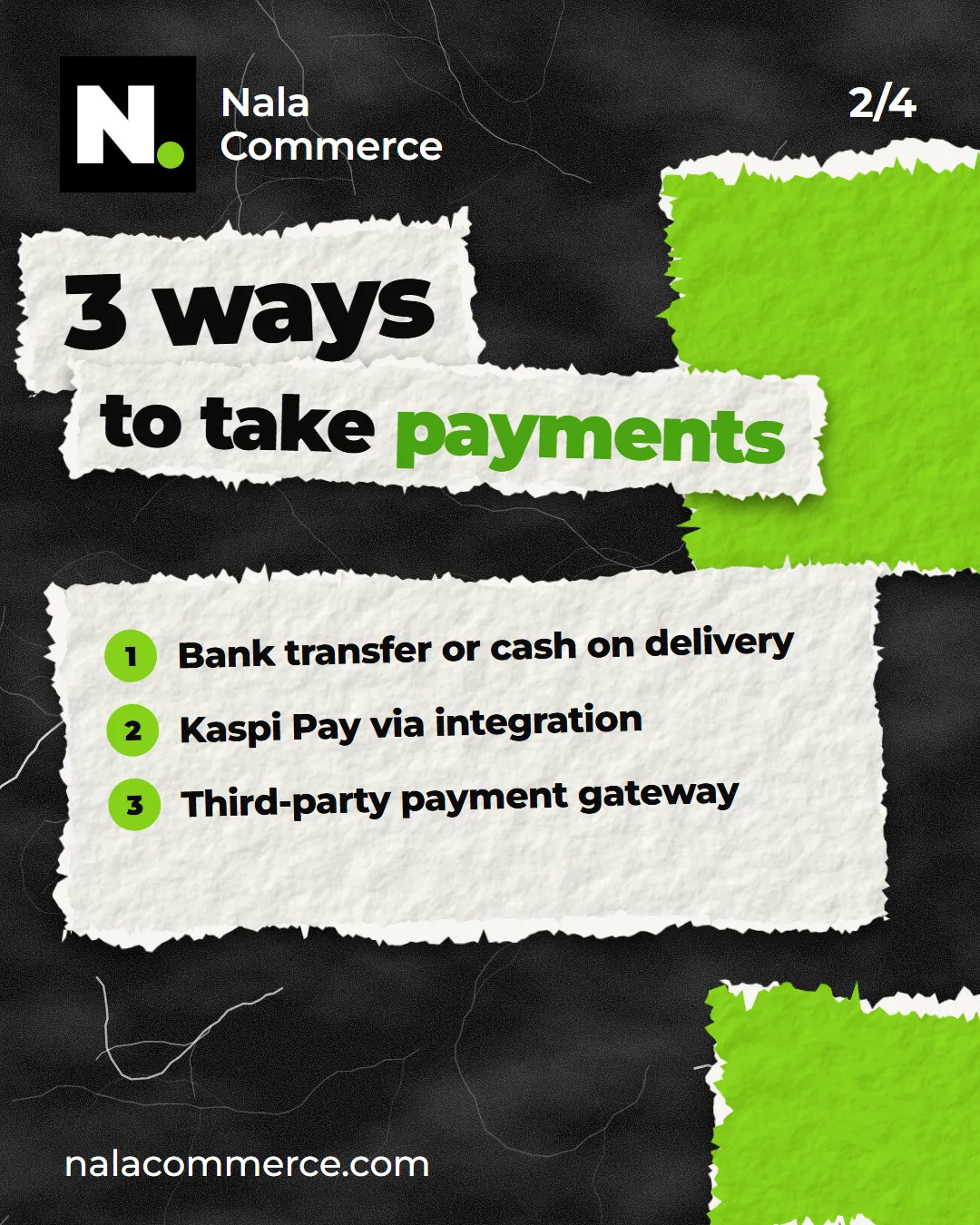
Option 1. Bank transfer or cash on delivery
Shopify has “manual” payment methods: bank transfer, paying the courier or at a pickup point. The shopper places the order, and you receive the money outside Shopify — by transfer or on delivery.
- Pros: set up in a couple of minutes, and Shopify charges no fee on these orders.
- Cons: you check payments by hand and mark orders as paid yourself. Some shoppers place an order and never get round to paying.
A good choice to start with, and as a backup next to your main method.
Option 2. Kaspi Pay
The most familiar way to pay in Kazakhstan — most shoppers already pay with Kaspi every day.
What the shopper sees: they place an order, and on a phone the Kaspi app opens straight away; on a computer, an invoice arrives in Kaspi on the phone number from the order. As soon as they pay, the order in Shopify is marked as paid on its own — nothing to reconcile.
In our integration Kaspi Pay is set up in Shopify as a manual payment method. That’s why Shopify takes no fee on these orders — only the bank’s fee under your contract with Kaspi remains.
One important condition: access to Kaspi acquiring is granted by the bank itself — to the business, on application. The bank looks at turnover and usually turns down new businesses without it. The steps are in “How to connect Kaspi Pay to your website”.
Option 3. Third-party payment gateway
These are payment providers that connect to Shopify: the shopper pays by card through their form. What’s available to your business depends on your bank and provider — ask your bank whether their online acquiring works with Shopify.
The main drawback is paying twice. The provider takes its fee, and Shopify adds its own on top for a third-party gateway: 2% on Basic, 1% on Grow and 0.6% on Advanced. On a turnover of a few million tenge, that adds up.
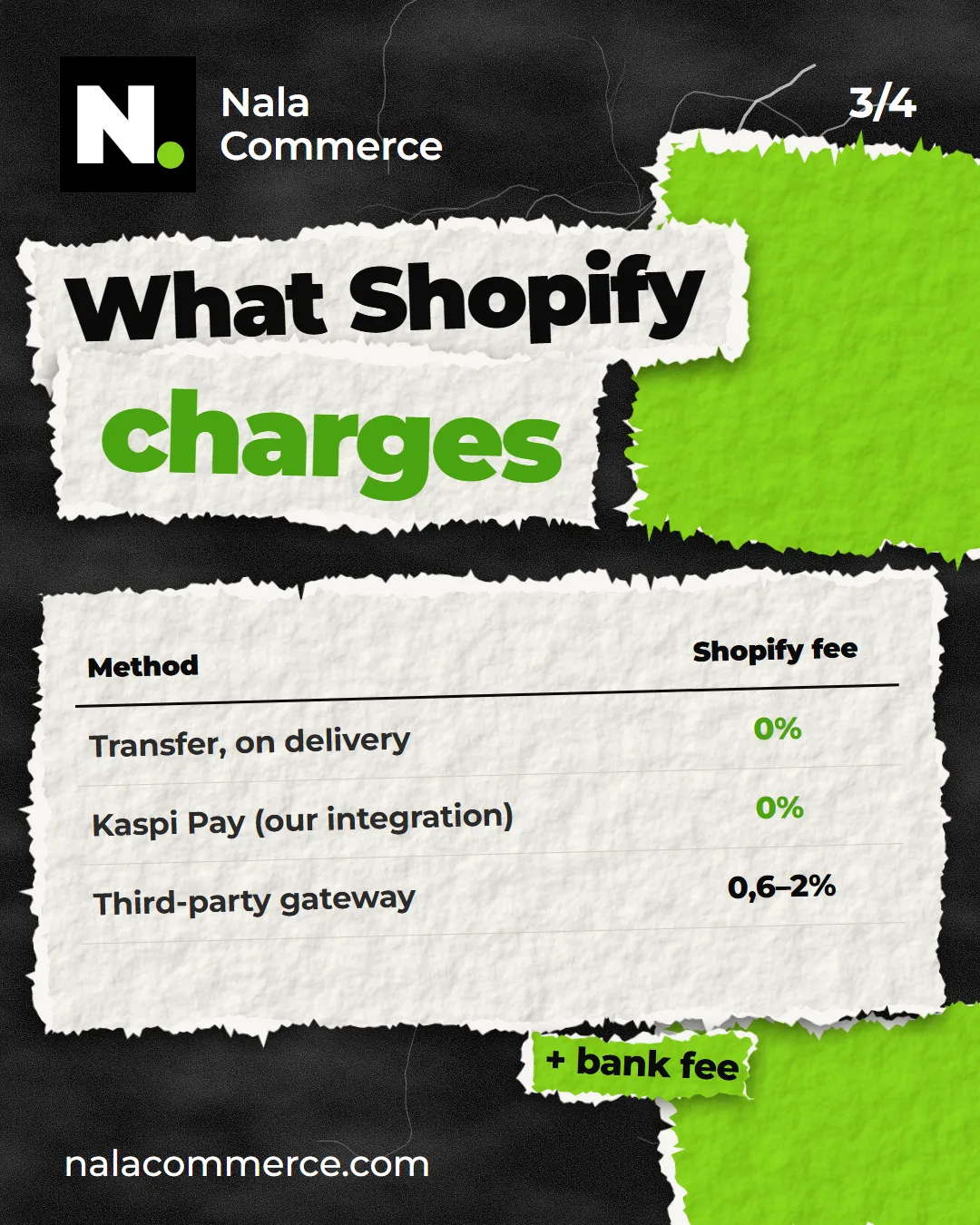
The three options side by side
- Transfer or cash on delivery. Shopify fee — 0%. Drawback — manual reconciliation.
- Kaspi Pay via our integration. Shopify fee — 0%; bank fee per your Kaspi contract. Drawback — needs Kaspi’s approval.
- Third-party gateway. Shopify fee — 0.6–2% plus the provider’s fee. Drawback — you pay twice.
Which to choose
For most stores in Kazakhstan the combination that works is: Kaspi Pay as the main method, transfer or cash on delivery as the backup. Shoppers see the Kaspi they know, and those who’d rather pay the courier don’t leave either.
If Kaspi hasn’t approved acquiring yet, don’t worry. Start with transfer and cash on delivery, and add Kaspi Pay once you have turnover: payment methods can be added in Shopify at any time without rebuilding the store.
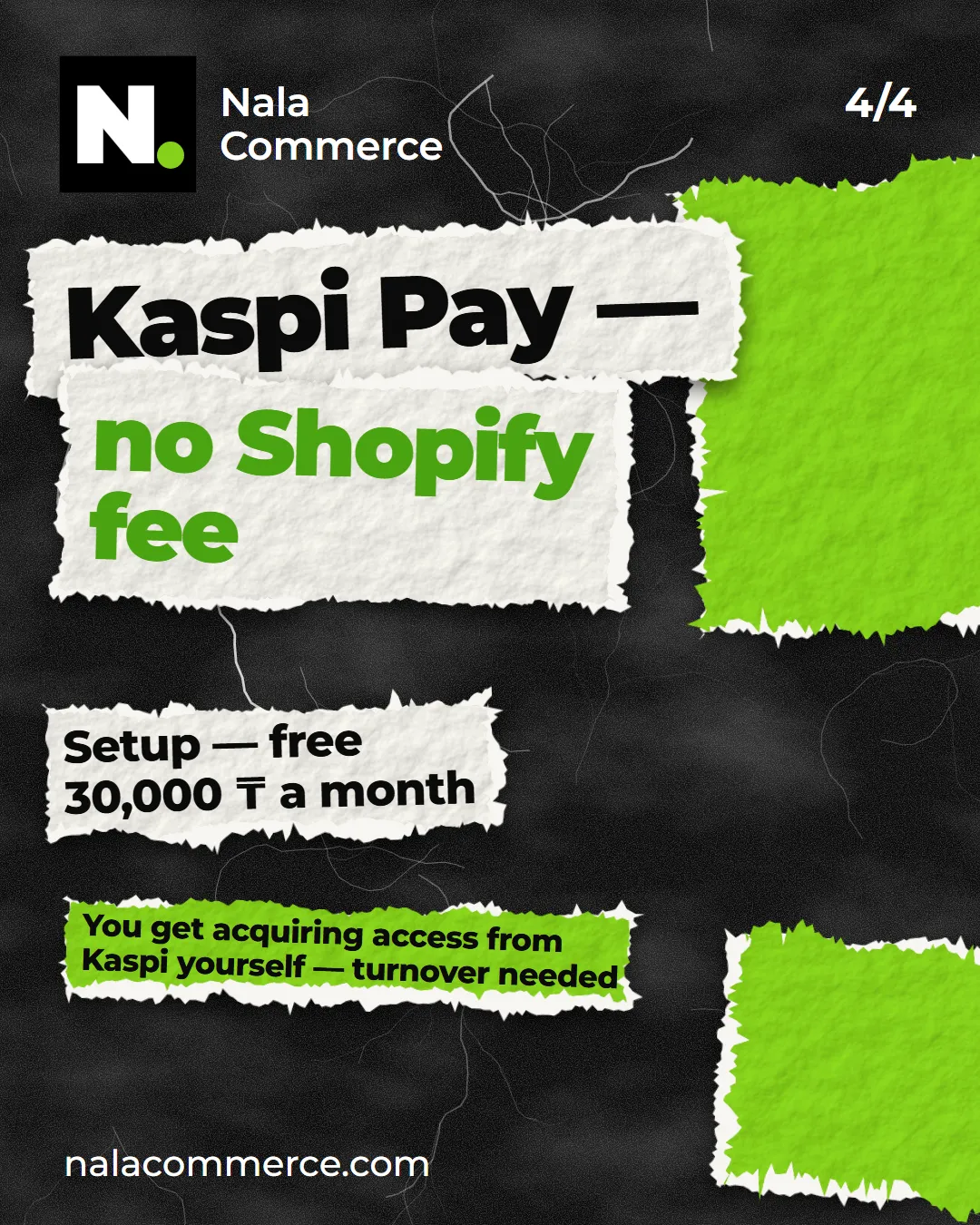
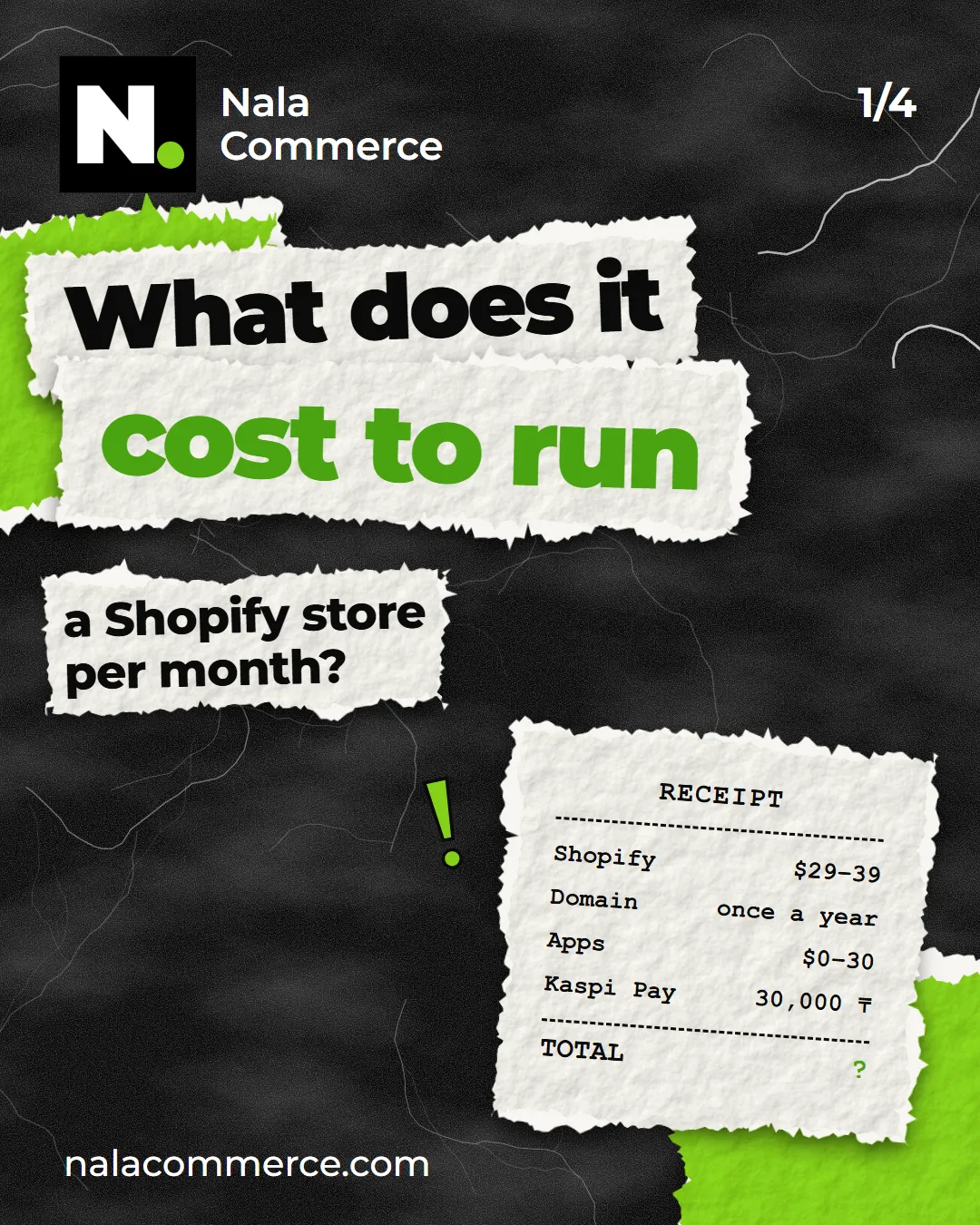
We connect Kaspi Pay to Shopify stores for free; after that it’s 30,000 ₸ a month. Details are on the Kaspi Pay page — and if you’d like to go through payments in your own store, write to us.
Sources: Shopify Help on third-party transaction fees and manual payment methods.