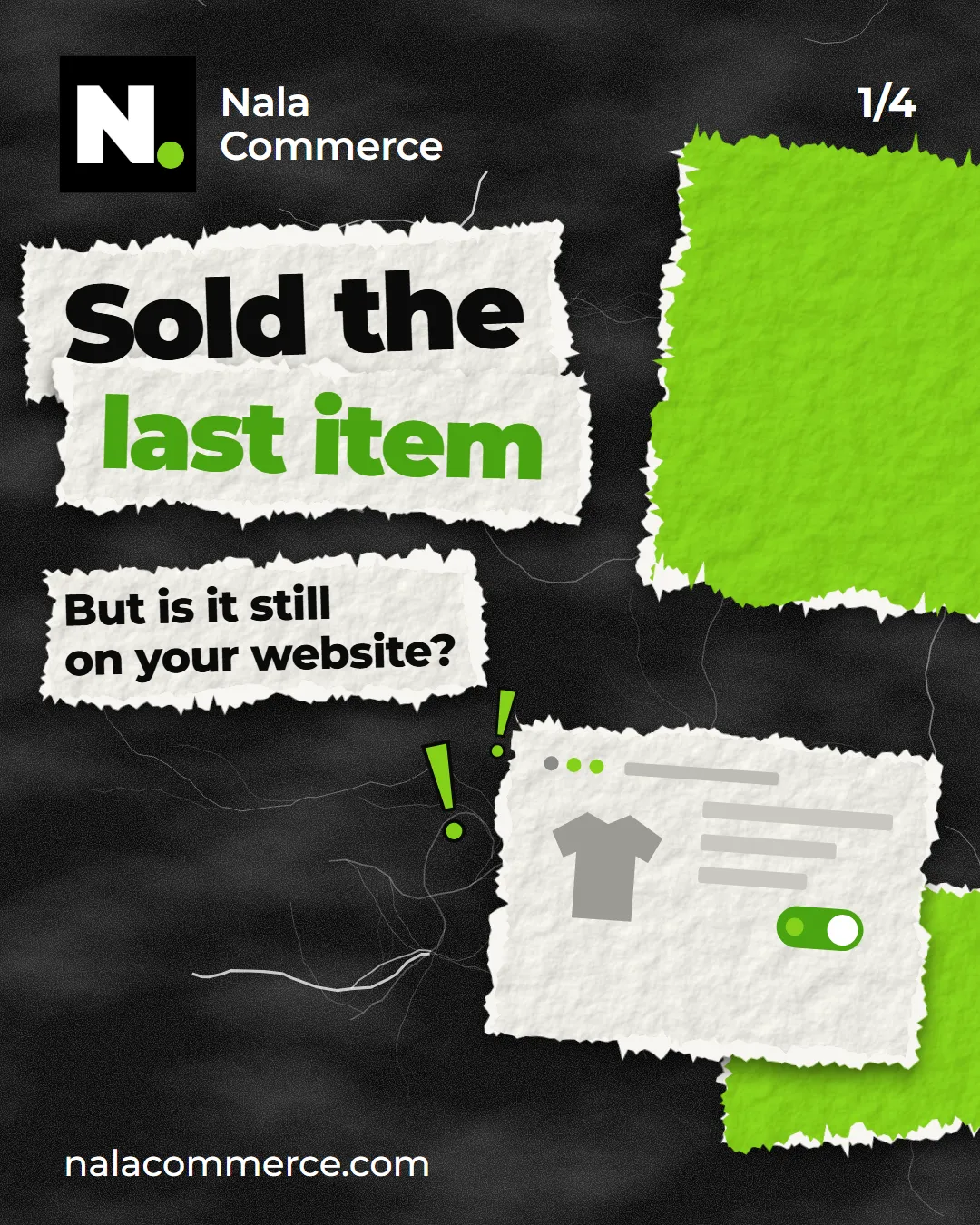
A familiar story: the last T-shirt in the right size sold on Kaspi, but your website still says “in stock”. An hour later a second shopper orders it — and you have to call, apologise and refund the money.
Why this happens
Kaspi and your Shopify site are two separate systems, each with its own stock count. Kaspi knows about its orders, Shopify about its own. Neither knows anything about the other.
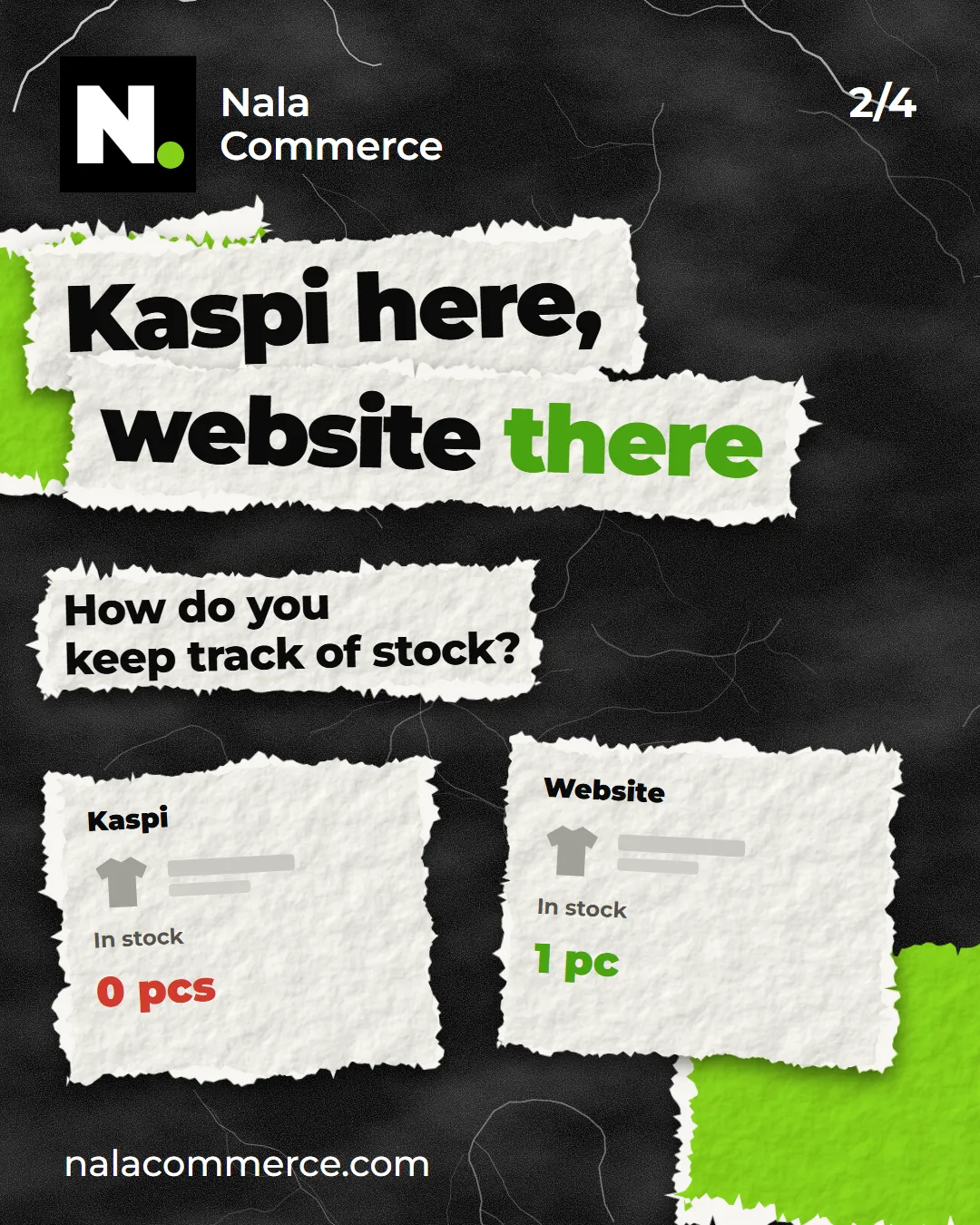
While orders are few, people handle it by hand: an order comes in on Kaspi — reduce the stock in Shopify. But the more you sell, the more often something slips:
- the order came in at night or at the weekend, and stock was fixed only in the morning;
- a manager accepted the order on Kaspi but didn’t change stock in Shopify;
- the product comes in several sizes and colours — it’s easy to pick the wrong variant.
Every such mistake means a cancelled order, an unhappy shopper and time spent apologising.
How we solve it
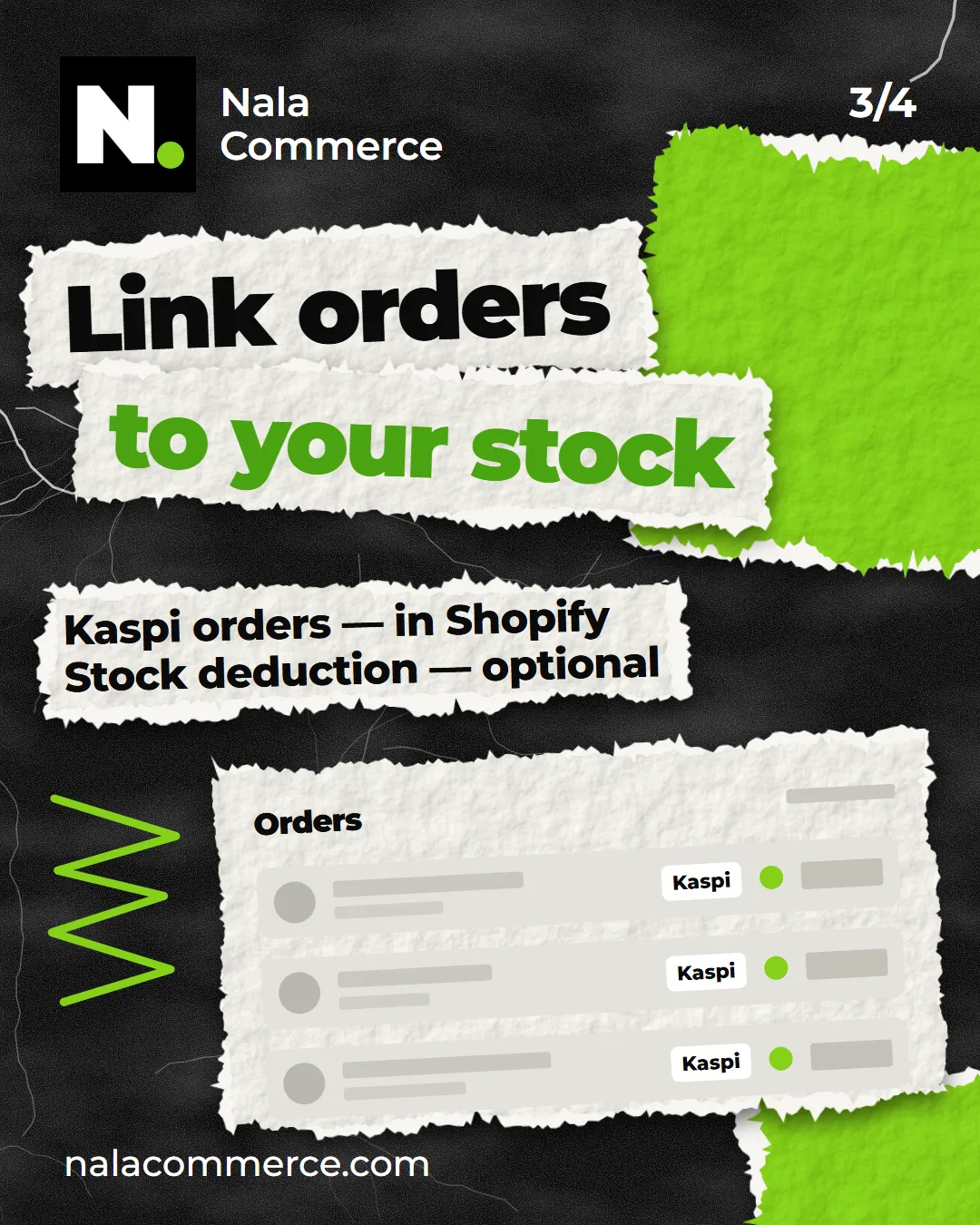
We’re building an app, Nala Marketplace Sync. It brings Kaspi orders into your Shopify store:
- a new Kaspi order appears in Shopify on its own every few minutes — with items, total and delivery details;
- the status follows Kaspi: confirmation, handover to the courier, delivery, cancellation, return;
- products are matched by barcode or SKU, and anything that doesn’t match on its own can be mapped with a spreadsheet.
Stock deduction is optional. There are two modes in the settings:
- Leave stock alone. Kaspi orders show up in Shopify but don’t change stock. Good if Kaspi or your accounting software manages stock.
- Deduct on Kaspi orders. Every Kaspi order reduces stock in Shopify — so your site no longer shows items that are already gone.
Right now the app works with Kaspi; Wildberries, Ozon, Flip and Teez are next. We’re preparing it for the Shopify App Store — stores selling on Kaspi can be connected already.
Run your stock in Shopify?
DM us “STOCK” on Instagram or leave a request on the contact page. We’ll look at how your orders and stock are set up and suggest which mode fits.