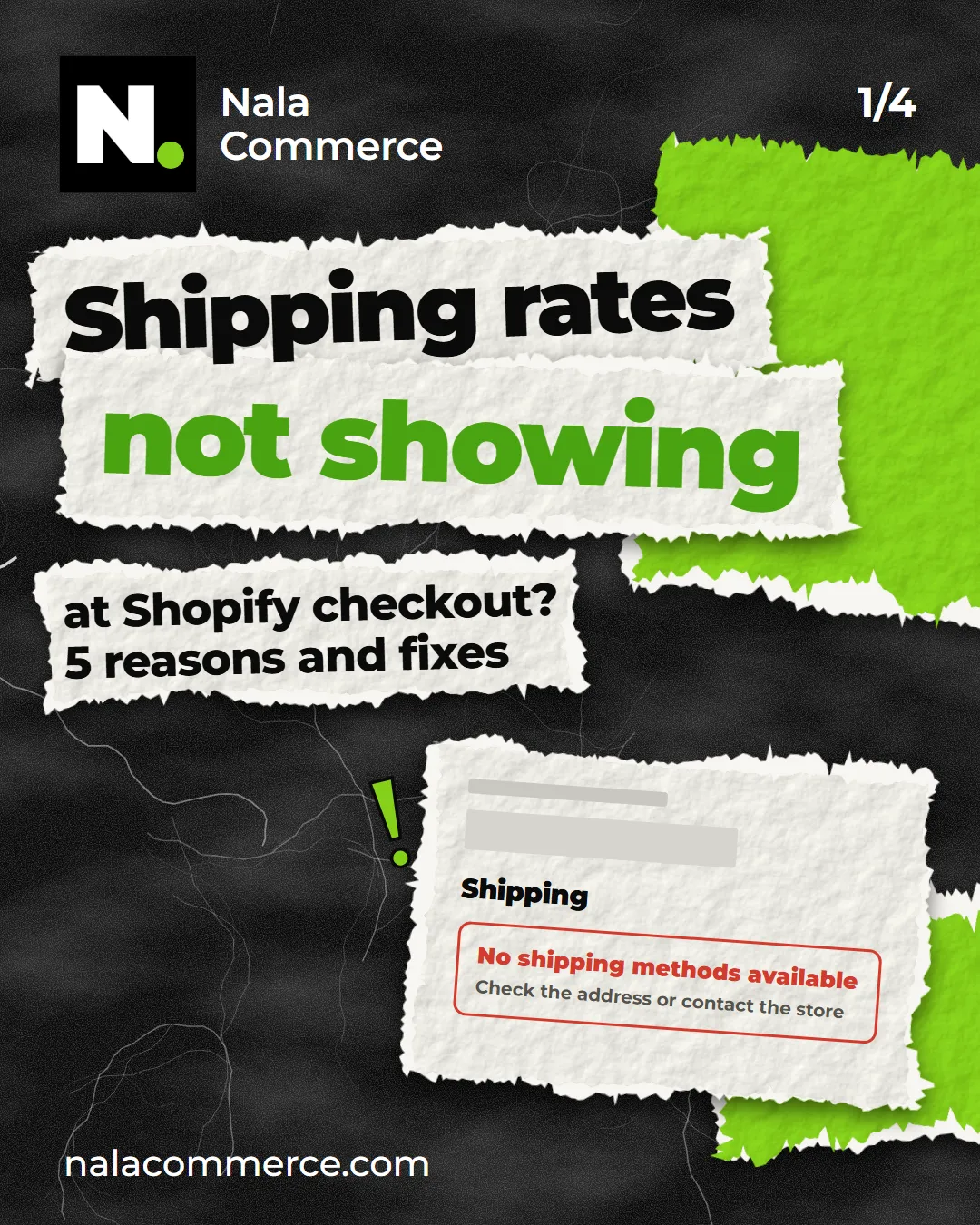
The shipping app is installed, the carrier credentials are in, but at checkout the shopper sees only “Pickup” — or nothing at all. It’s the most common question we get. The cause is almost always one of the five below.
How Shopify shows carrier rates
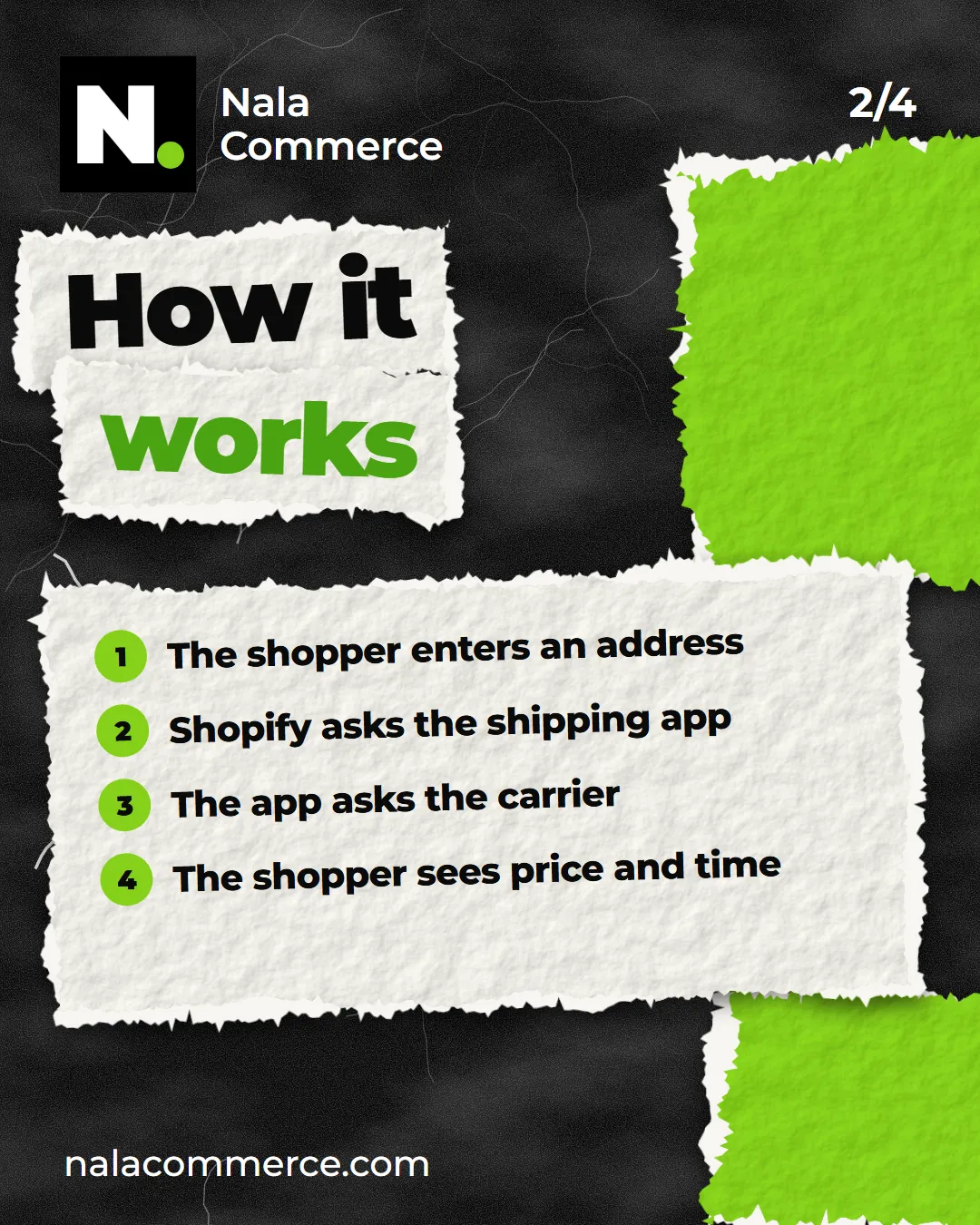
Shopify doesn’t know Kazpost’s or CDEK’s rates by itself. The price is calculated by the shipping app: Shopify sends it the shopper’s address and the cart weight, the app asks the carrier and returns options with a price and delivery time.
This feature is called carrier-calculated shipping. Without it, the app never receives the request — and there’s nothing to show.
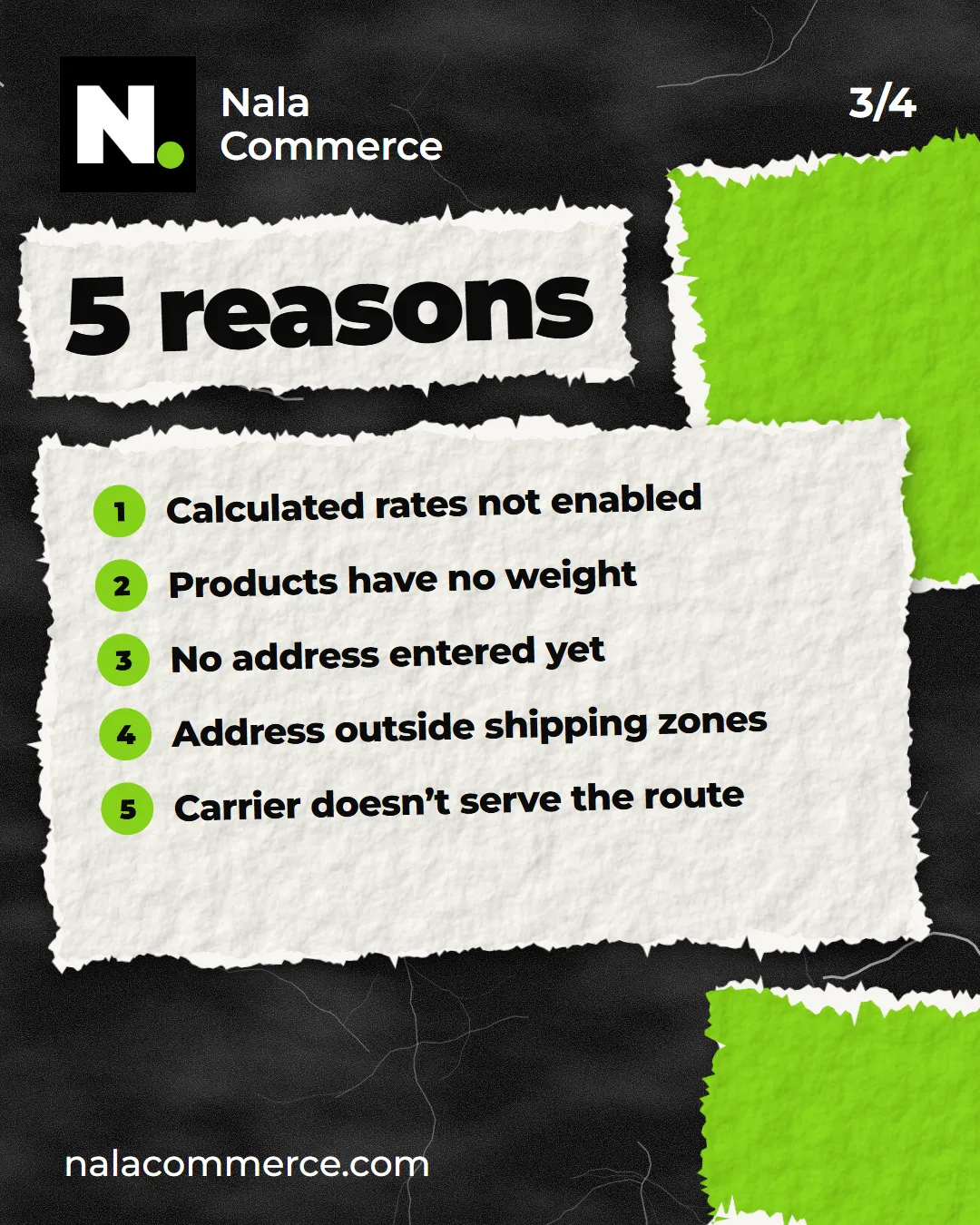
1. Calculated rates aren’t enabled in the store
Carrier-calculated shipping isn’t included in every Shopify plan. It comes with Advanced and above. On lower plans it can be added separately as a paid add-on, or you get it when you pay for your plan yearly.
How to tell: if the app says it can’t register a shipping service, or Shopify says the feature isn’t available on your plan — this is the reason.
2. Products have no weight
The carrier prices by weight. If even one product in the cart has no weight, the parcel can’t be calculated — and the shipping option doesn’t appear.
Check the weight on every product variant: on the product page, in the variant’s shipping section. The easiest way is to go through a list of products without weight — many shipping apps show such a list in their settings.
3. The shopper hasn’t entered an address yet
The calculation needs a city and postcode. Many apps — ours included — don’t show an estimated price until the address is entered, so the shopper doesn’t see an obviously wrong amount. As soon as the address is filled in, the options appear.
4. The address is outside the shipping zones
In Shopify’s shipping settings, every profile has zones. App rates show only in the zones where that shipping method is added. Make sure Kazakhstan — or the country you need — is in a zone, and the app’s shipping method is connected to it.
5. The carrier doesn’t serve that route or weight
Sometimes everything is set up correctly, but the carrier itself declines:
- the parcel is over the limit (for example, 30 kg for Kazpost express shipments);
- there’s no pickup point in the shopper’s city, but “to pickup point” is selected;
- the city wasn’t found in the carrier’s directory — for example, because of a typo in the address.
If nothing helped
Go through the list again in the same order — it’s usually point 1 or 2. If rates still don’t appear, write to us: we’ll look at your store settings and tell you where it’s stuck.